

Description



Product description


 Future-Proof Performance
DOCSIS 3.1 provides higher speeds and extended coverage, complete with backwards compatibility to 32×8 DOCSIS 3.0, 2.0, and 1.1 services.
 Intelligent Traffic Control
MU-MIMO Technology lets your router communicate seamlessly with multiple devices at once, allowing for simultaneous streaming throughout your home.
 Optimized Network Storage
A USB 3.0 Port with DLNA enables shared network storage for files. Simply plug in a USB to enjoy playback of videos and music.
 More Connection Options
4 Gigabit Ethernet (GigE) LAN ports allow for optional wired connections to computers, smart TVs, game stations, and other Ethernet-capable devices.

Instantly upgraded you WiFi performance with advanced tech all while saving up to $168 per year in rental fees by owning your cable modem.
Access the fastest cable internet plans available, with the future-proof performance of the DOCSIS 3.1 cable modem.
Includes a built-in high speed AC3200 WiFi router with Power Boost, Range Boost, and AnyBeam WiFi Beamforming for ultra fast, reliable WiFi.
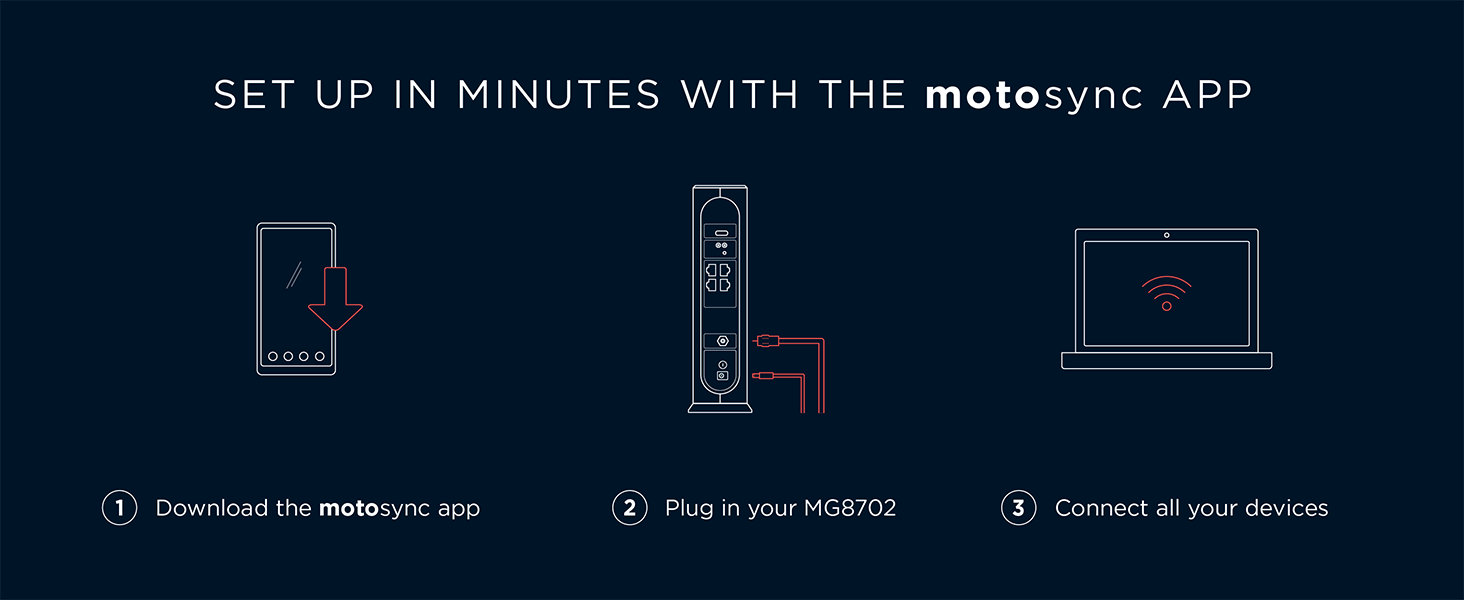
Intelligent mobile app – Comes with a smart WiFi app for easy setup, guest network management, usage monitoring, speed testing, parental controls, network security alerts, and more.
Reliability you can count on – A worldwide leader in technology people depend on. Comes with 2-years of free expert support from our team
Reviewer: Frontiergalsavesdogs
Rating: 5.0 out of 5 stars
Title: Has greatly improved streaming, camera and laptop connections
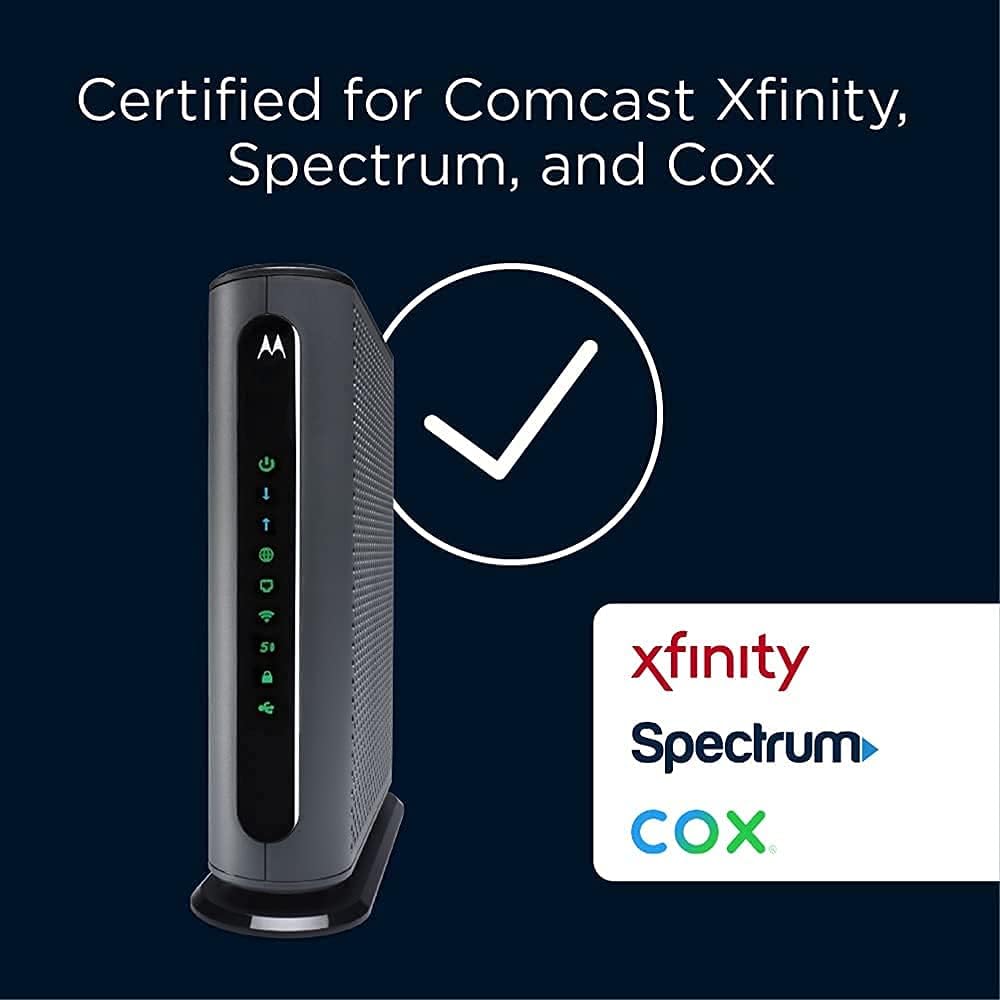
Review: This arrived the next morning and was packaged securely in the product box. I have needed to upgrade my modem/router for quite a while and kept putting it off. But eventually I couldn’t stand the buffering and the laptop connection delays. I found the connection part relatively easy once I stopped wasting time using the Motorola sync app. It’s rated poorly and now I know why. The modem router is working just as I hoped and I’m very pleased with the faster connection time. I initially had problems getting my intranet service provider online system difficult and frustrating. I highly recommend you call the support number and get an actual human to complete the changing of the new modem/router. I wasted far too much time trying multiple times to make the connection using the “smart service” option. My last Motorola router/modem was from 2021 and what a huge difference it has mad on my streaming quality. I really don’t need any fancy upgrade services, I just don’t want a weak connection or buffering issues. This upgraded technology modem/router has solved the annoying issues. I did check prior to ordering to make sure it was listed as an accepted product on the service providers website which I recommend. It is compatible for my basic service plan. This is my third Motorola router/modem system in the past 12 years and I find the Motorola products are easy to set up and work consistently. The function lights are so much brighter that I have needed to cover them up given the router is in the bedroom. This is the most expensive router/modem I’ve ever purchased but its worth it when you consider how frustrating buffering and lack of laptop connection can be. I would recommend this product.
Reviewer: Logan
Rating: 5.0 out of 5 stars
Title: A Well Rounded Home Internet Modem
Review: Very straight forward setup and an easy-to-use interface. It works and is compatible with my ISP with stable speeds. WiFi range is excellent, beating out my old modem. The device does not seem to overheat.As far as value for the money – This is the product to get.
Reviewer: Eager Seeker
Rating: 4.0 out of 5 stars
Title: Powerful Wi-Fi 6 Performance, but App Compatibility Frustrations
Review: The Motorola MG8725 WiFi 6 Router + Multi- delivers impressive real-world performance that truly showcases what Wi-Fi 6 can do. Speeds are consistently fast throughout my home—streaming 4K video, online gaming, and large file transfers feel effortless. The router handles multiple devices with ease, and I noticed noticeably better coverage and stability than on my older Wi-Fi 5 gear. If you’re looking for strong throughput and reliable connectivity, this unit really delivers.Where my experience fell short was with the accompanying mobile app experience. Initially, I couldn’t control or monitor the router because the current app wasn’t compatible with this model. After some digging, I learned I needed to download a separate legacy app to access essential setup and management features. This extra step was unexpected and added unnecessary friction—especially for a modern product that otherwise feels cutting-edge in terms of hardware and performance.Once I had the correct app, I was able to configure settings and see connected devices, but the process could be smoother. It would be ideal if Motorola updated their primary app to fully support this model without the workaround.In summary, the MG8725 is a high-speed, robust Wi-Fi 6 router with excellent coverage and performance. Just be prepared for a slightly confusing app setup and the need to use the legacy app for full functionality. If Motorola resolves the app compatibility concerns, this would be an even stronger contender in its class.
Reviewer: Steffi
Rating: 5.0 out of 5 stars
Title: Arrived quickly
Review: It arrived quickly. It was easy to set up. Works great.
Reviewer: Jen
Rating: 1.0 out of 5 stars
Title: Keeps breaking down
Review: When I first got the Motorola MG7700, I was pleased with it. My cable company had no problem activating it once I set it up. We connected WiFi stuff that had been having problems on our cable rented modem. Plugged in 3 ethernet connected computers. Everything was hunky dory.Then, after about 1 month of use, our connection went down. Contacted the ISP, they said everything was fine on their end. The indicators on the modem said we were connected. But all our devices, ethernet and WiFi, were unable to get to the internet. Since I still had the old modem, I reconnected that one – we were back in business. WiFi wasn’t great (one of the reasons we had gone with a new one) but back in business.So, I called customer support for the Motorola. The guy who helped me guided me through about an hour of steps, checking a bunch of settings in the Motorola, re-setting it to factory default, unconnecting and reconnecting things, and we finally got the connection up and running again. His name was John, and he was wonderful. He said since the modem had been connected for as long as it had been, and the settings we had gone through were what they were, most likely it wasn’t the ISP but the modem that had a problem. Said he would put a bunch of notes in the case and if I had the problem again, they would replace the modem, because that’s what seems to be the problem.One week later (yesterday), it died again. Called the Motorola service people again. NEW guy I talked to insisted it was the ISP that was the problem, and that I needed to call them and re-activate the modem. He admitted that since the modem HAD worked for a while that was a wierd thing to have happened, but insisted it couldn’t be the modem. We went through the whole procedure of re-setting the modem to factory new again, and unplug the thing again, unscrew it from the connection to the ISP again, and nothing was done other than that. Yeah, we got it working again, but HE said if it went down again it was the ISP. I asked if I could somehow call the ISP BEFORE it goes down again to fix whatever he thinks is wrong. He said yes, I should do that.So, I called the ISP. They could see nothing wrong, but I finally got them to deactivate then reactivate the modem as the second tech guy had insisted was the problem. They said they had never had that problem with this brand and model of modem, and didn’t see that it would do any good, but they would do it since I asked them to.It’s been about 5 hours now. Modem is working at the moment. But I am expecting it to go out again. I have had more than a few modems in my lifetime, and this is the first one I’ve had so much trouble with. I’m disabled, and having to deal with constantly re-setting and unplugging the modem is a pain (literally). I went with this modem to save some money on renting from the ISP, but this is not worth it. I can’t even bring in the old modem so I can stop renting the stupid thing because I need a backup for when this new one dies . . .NOT a happy camper. Not thrilled that the second tech support guy basically devalued everything the first one said and blamed the ISP. Not happy that I’ve had to re-set this stupid modem I believe it’s 3 times (or is it 4?) since I set it up only a month and a half ago. At this point I would not purchase a Motorola Modem ever again.Addendum: Have called product support 7 times. Sometimes I’m on hold for over 45 minutes and they hang up on me. Sometimes I talk to someone who still insists it’s the ISP. ISP says they show that they are connected properly with the modem. They’ve resed the stupid thing over and over again – sometimes it works, sometimes it doesn’t. Have to constantly hit the “factory reset” button when it dies.The 7th time I called Motorola product suppoer, I finally got someone who said they would send me a new one. Now, THAT process is a pain too! They want a credit card number, in case I don’t return the old one. They say I have to pay to send the old one back, and that I better make sure I pay for tracking becuase it might not get there.Whole process is a pain in the butt. I am even more unhappy now. Downvoted this thing to 1 star due to their product support. I would suggest not purchasing this POS.New Addendum: These idiots want to put an amount “on hold” for the new modem. An amount that is MORE than we paid for the modem in the FIRST PLACE! Never dealt with such a bunch of jerks! The customer support person didn’t say they were going to do that. In fact, he specifically said there would be no charge if we turned in the old one within 30 days. But no charge is NOT the same as “we will put a hold on your credit card for $184.99. I am NOT authorizing this crap! Don’t trust them at all at this point. Buyer beware!


